

TM 5-3805-281-24-1
Operational Checkout Procedure
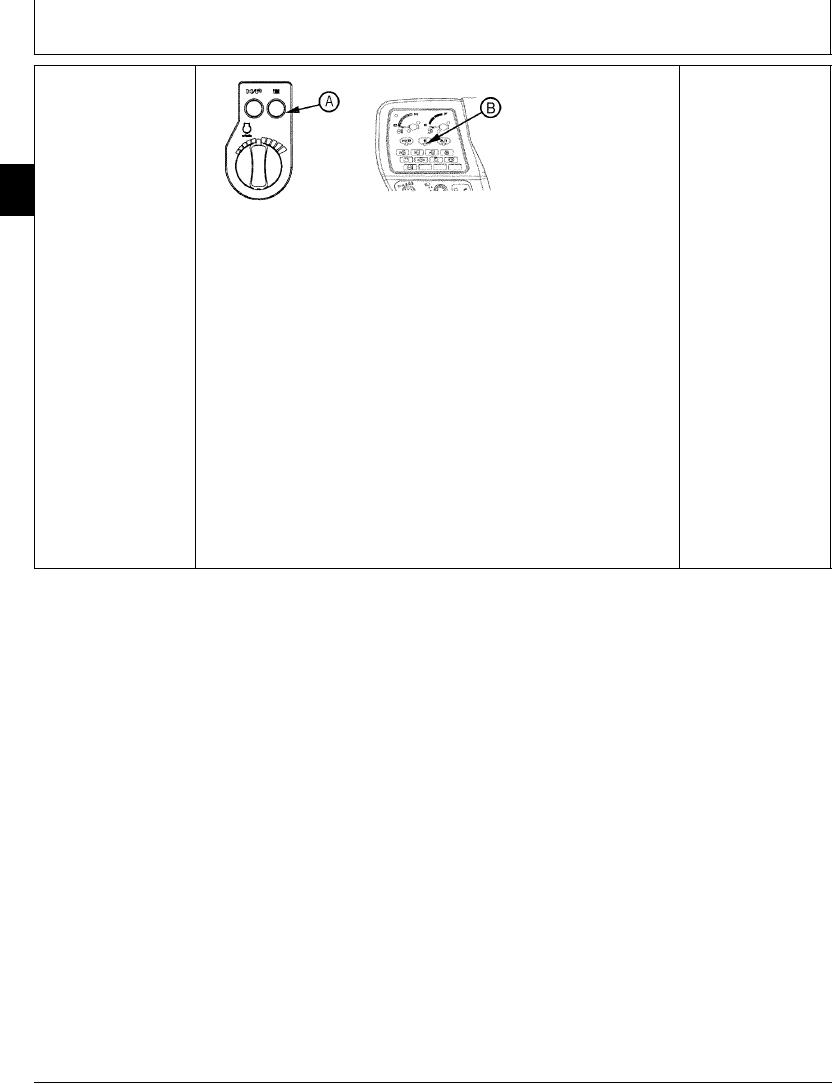
E (ECONOMY) MODE
YES: Go to next check.
CHECK
NO: Check switch,
indicator, and harness.
Go to Group 9015-15.
9005
10
8
T103545 UN09SEP96
T103546 UN09SEP96
A--E (Economy) Mode Switch
B--E (Economy) Mode Indicator
Start the engine.
Auto-idle switch OFF.
Turn engine rpm dial clockwise to fast idle.
Push E (Economy) mode switch (A) on.
Does engine speed decrease?
Does E mode indicator (B) come on?
Push E mode switch again to turn it OFF.
Does E mode indicator go out and engine speed increase to fast idle?
1/1
2-8