

TM 5-3805-281-24-1
Tests
EXCAVATOR DIAGNOSTICS PROGRAM--
STARTING
NOTE: The laptop cannot be connected to excavator
system without 5 volts from the system supply. If
laptop cannot establish a successful RS232
connection, check for approximately 5 volts on
any of the 5-volt sensor's power wire. A grounded
5-volt sensor power wire will prevent a successful
RS232 connection. Without system 5-volt supply,
RS232 connection is disabled.
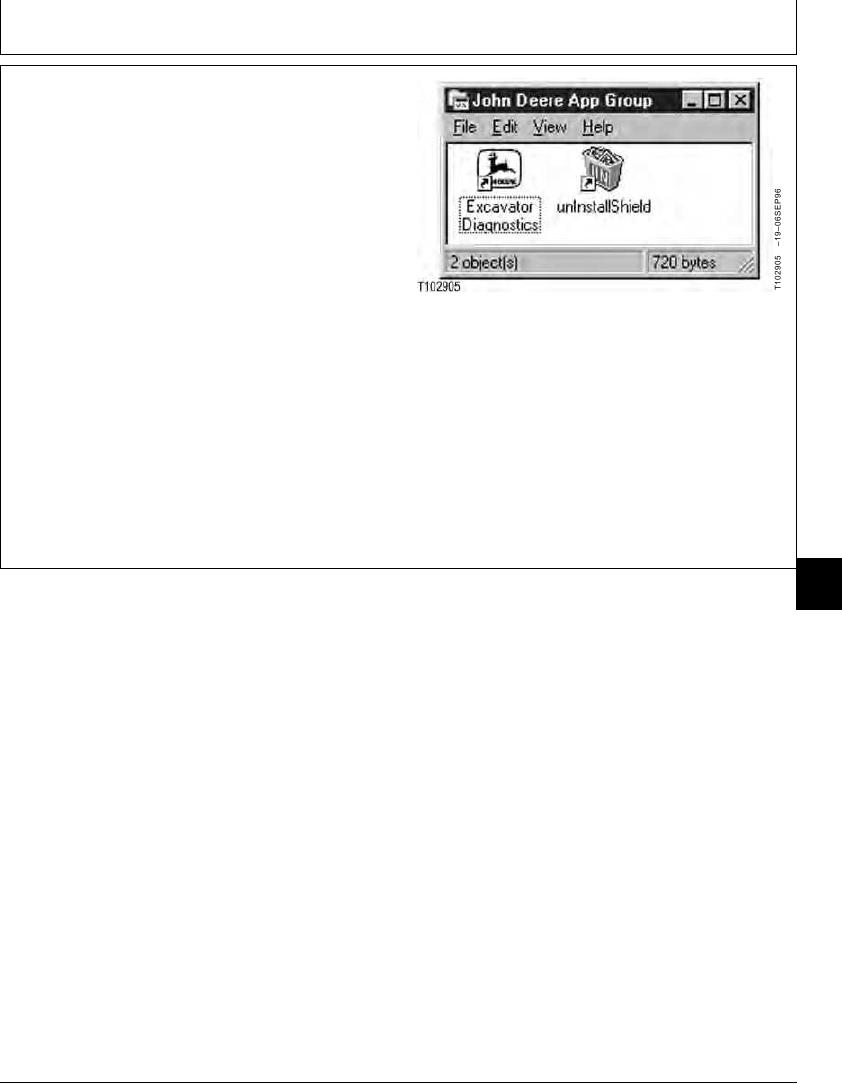
The John Deere Excavator Diagnostics Software program
is started using the Excavator Diagnostics icon on the
desktop. Also, can be started from the John Deere App
Group in the Programs menu. The Excavator
Diagnostics icon is automatically put on the desktop
when the program is loaded.
Continued on next page
TX,9025,GG2670
1928JAN991/5
9025
25
9